Permanent Site Blocker — Chrome Extension
Block distracting websites permanently. No unblock button, no password bypass, no timer. The Chrome extension for people who are serious about focus.
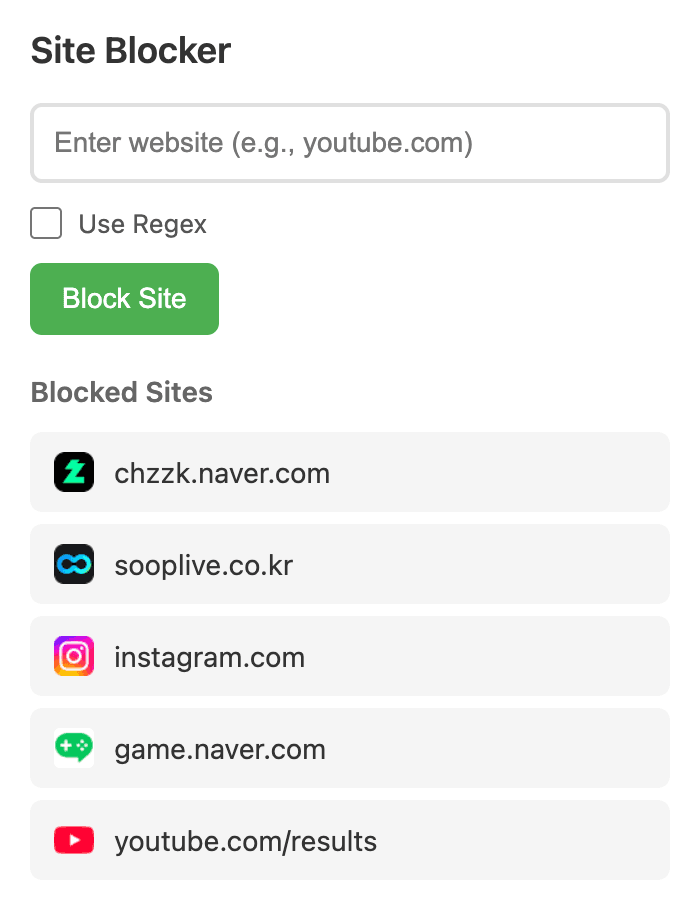
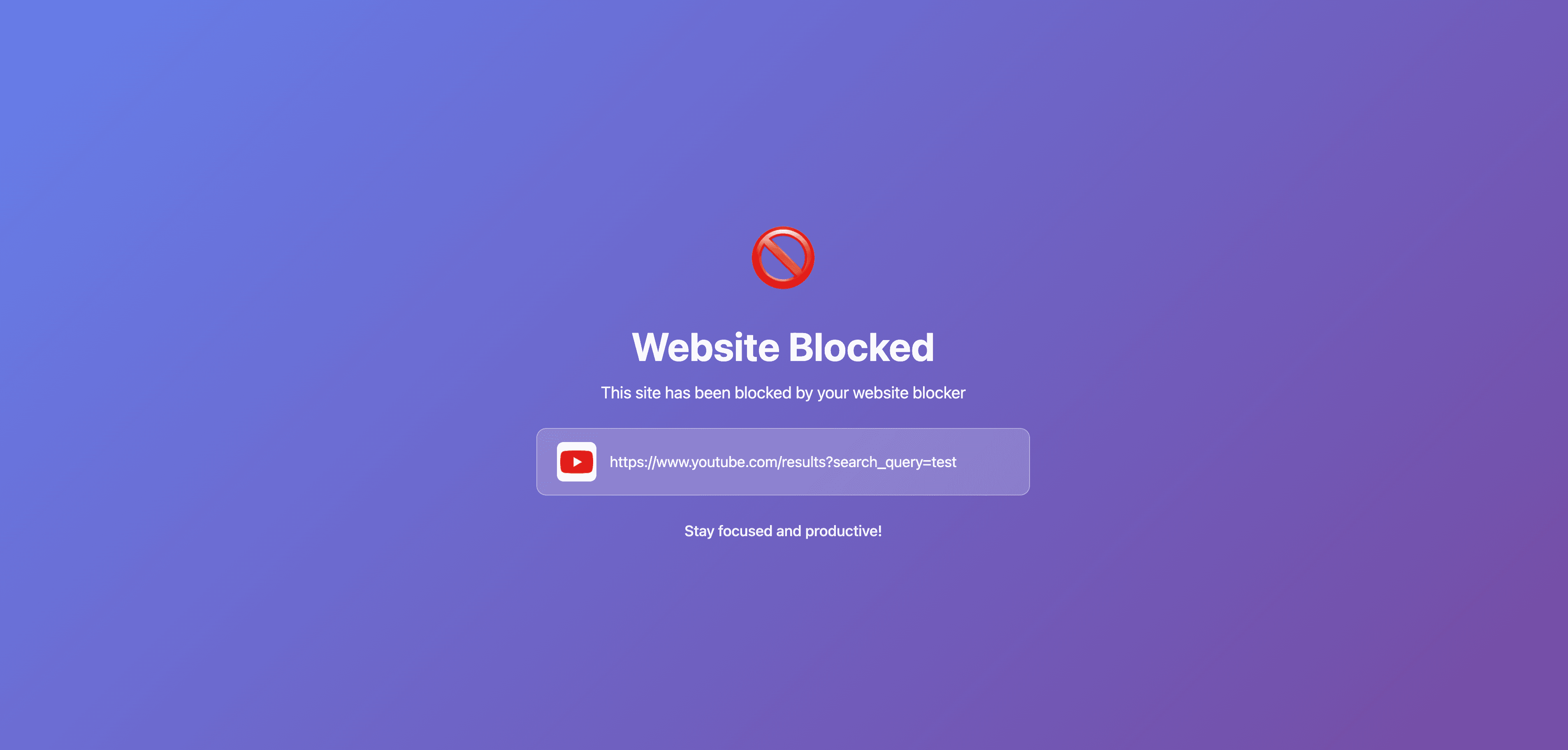
There is no unblock button.
That sentence is the entire product. Every other site blocker ships with an escape hatch — a password, a timer, a "just 5 more minutes" dialog — and bets on you being rational in the exact moment you're least rational. Permanent Site Blocker removes the choice.
Block a site, and the only way back is to uninstall the extension entirely. Your blocklist vanishes. You start over from zero. That friction is the feature.
Precise, not blunt
YouTube isn't the problem — Shorts is. Reddit isn't the problem — the front page is. Block exactly what distracts you:
- Full domains —
twitter.comblocks everything, subdomains included - Specific paths —
youtube.com/shortsblocks Shorts but leaves the rest - Regex patterns —
youtube\.com.*[가-힣]blocks Korean YouTube content while keeping English videos
Nothing leaves your browser
Zero analytics. Zero servers. Zero npm dependencies. The entire extension is ~300 lines of vanilla JavaScript — readable in 10 minutes, auditable by anyone. Your blocklist syncs across Chrome devices through Chrome's own storage API. Nothing else touches your data.
1,100+ daily active users. 5.0 average rating. The most common review: "I installed it because there's no unblock button."
Features
No Unblock Button
Once blocked, the only way out is reinstalling the extension. That's the point.
Dual-Layer Blocking
Network-level rules + tab monitoring. Two independent layers, zero gaps.
Smart Patterns
Block full domains, specific paths like /shorts, or regex patterns.